A notebook, not a query box
Organize your work in SQL and Markdown cells across many notebooks — run one cell or the whole thing, and keep your notes next to your queries.
Write SQL and Markdown side by side, attach multiple databases, chart your results, and inspect your columns — all on your machine.
No account. No cloud. Your data stays on your machine. · Windows & Linux coming soon.
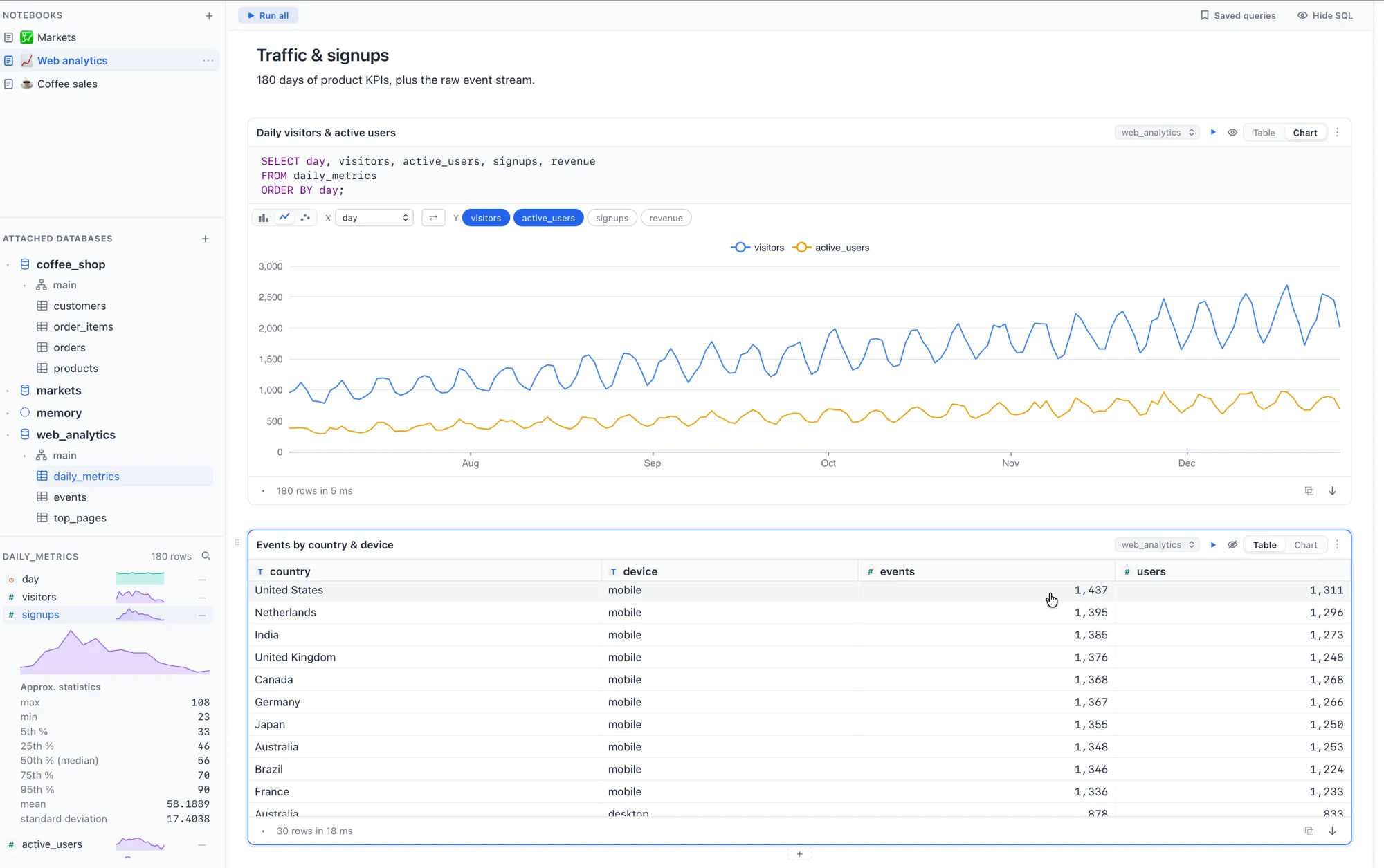
Organize your work in SQL and Markdown cells across many notebooks — run one cell or the whole thing, and keep your notes next to your queries.
Attach several DuckDB files and query across them (catalog.schema.table). A live tree of databases, schemas and tables — preview, rename, drop and export.
A virtualized grid streams rows as they arrive — sort, copy cells, and export to CSV, Parquet or JSON.
Context-aware completion for tables, columns and DuckDB functions, plus handy snippets — so you type less and ship queries faster.
Per-column distributions, distinct counts, null % and quick stats in a diagnostics panel — and turn any result into a chart.
Import CSV, Parquet, JSON and Excel — drag a file onto the window, or paste a table straight from your clipboard.
Plus a command palette, an extensions manager, saved queries, a per-cell target database, keyboard shortcuts, and automatic update checks.
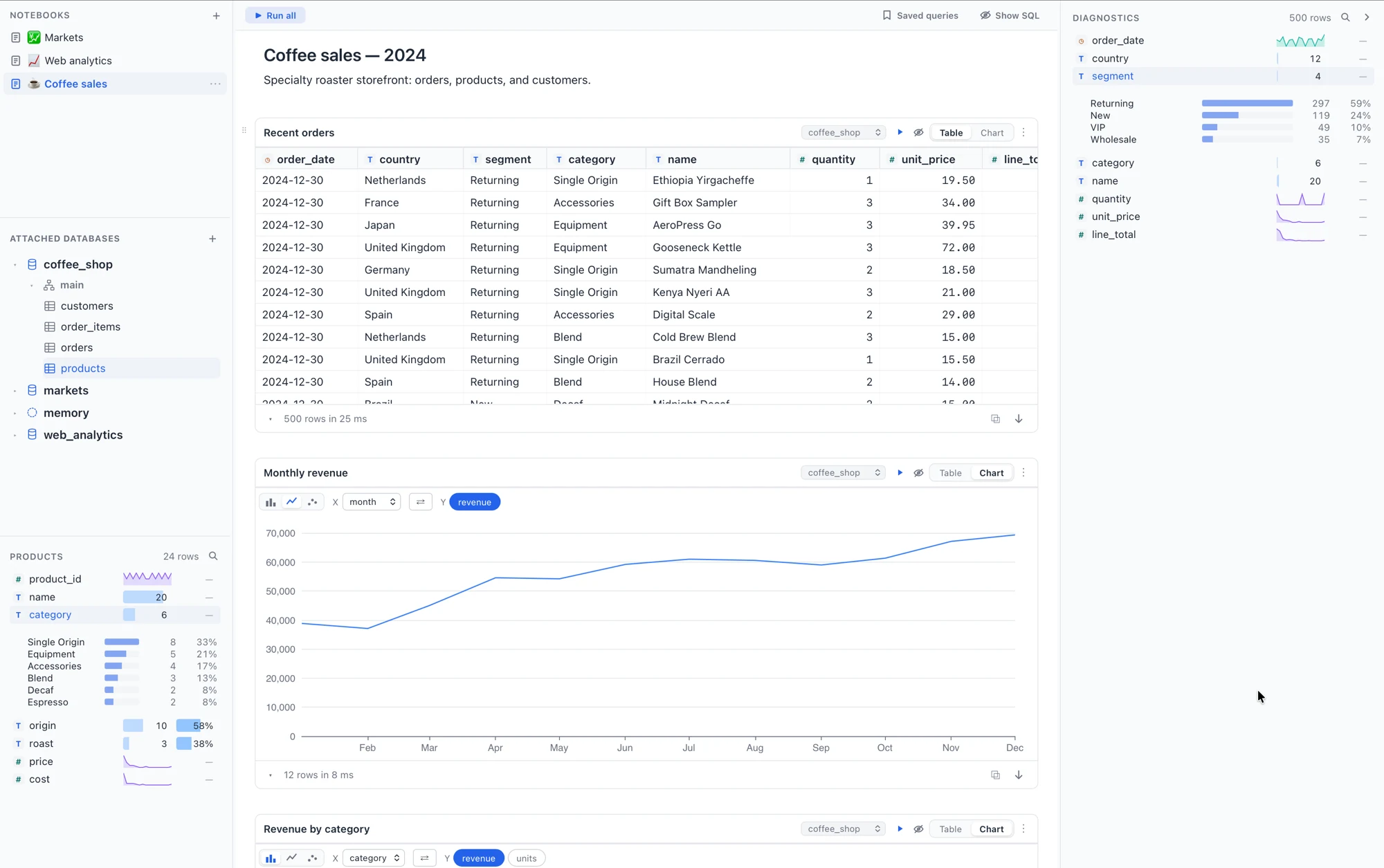
Tables, charts and column diagnostics side by side — one notebook per analysis.
Latest release · v0.0.0
Signed & notarized universal build for macOS 11+ — runs natively on Apple Silicon and Intel. Windows & Linux coming soon.